
English Spanish Dictionary
English Spanish dictionary offline: AI, voice search and flashcards.
- Languages
- English · Spanish
- Translation direction
- English → Spanish and Spanish → English
- Type
- Bilingual
- Entries
- 112,899
- Platforms
- Android · iOS (inside the TTdictionary app)
- Offline
- Yes — the database is stored on the device
- AI assistant
- Yes (needs internet)
- Price
- Free with ads · optional Pro


Free with ads. Pro removes ads, lifts feature limits and raises the AI request quota.
Android: Version 2.0.8.0 · Also on iPhone and iPad


Features in this app
Screenshots
About this dictionary
English Spanish Dictionary gives you 112,000 words and translations that work anywhere, even in flight mode. The whole database comes with the app, so nothing is loaded from a server and nothing is hidden behind a login.
Search a word, hear it, keep it and turn it into something you remember.
Ask the AI
- Ask AI about any word: definition & context, synonyms, pronunciation guide, example sentences
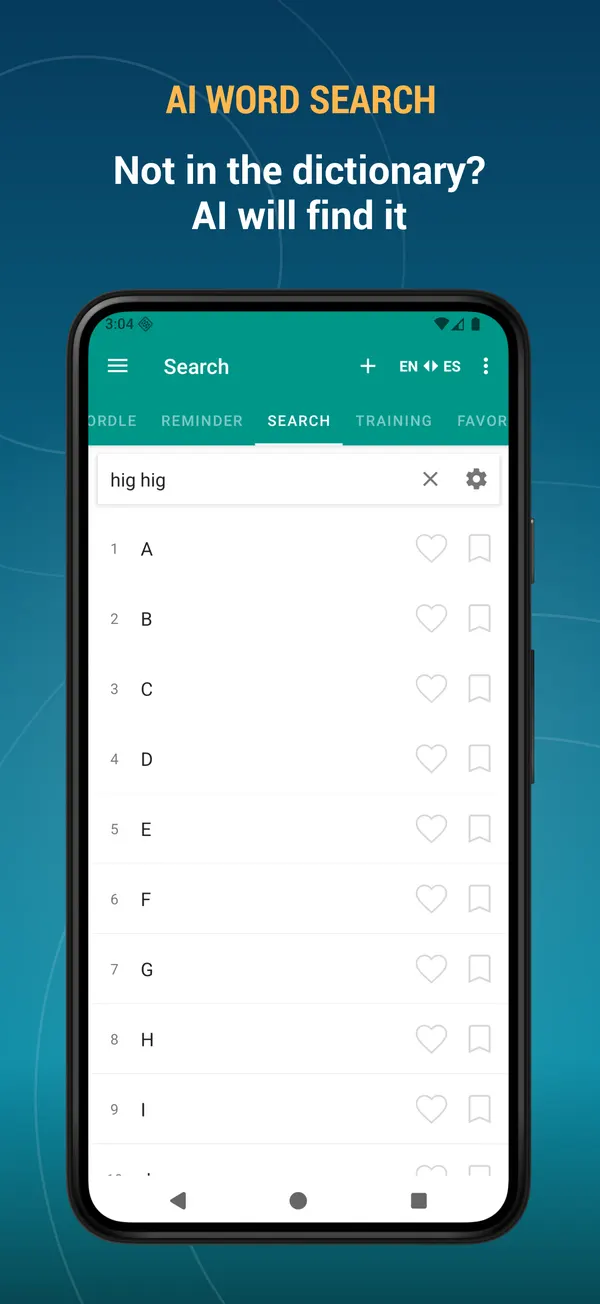
- Word not in the dictionary? Find it with AI and add it to your own database
- AI can write the description for the words you add yourself
- Keep any AI answer as the word description or save it as a note
Dictionary and search
- 112,000 words and translations, 100% offline
- Instant results as you type
- Search filters: starts with, ends with
- Voice search — just say the word
- Search the text you copied to the clipboard
- Alphabet index for fast browsing
- Random word button
- Add your own words and edit existing entries
- Two-way translation: English to Spanish, Spanish to English, or both at once
Build your vocabulary list
- Favourites — save a word with one tap
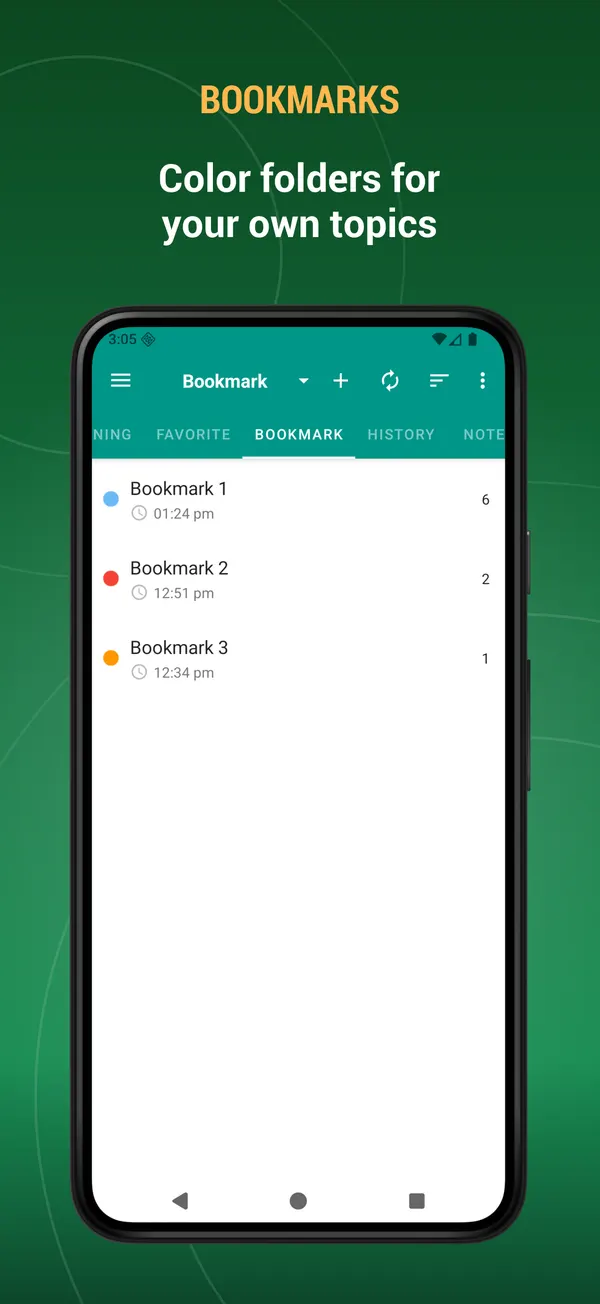
- Bookmarks — colour-coded folders for your own topics
- Notes — attach your own note to any word
- History — every word you looked up, sorted by date, name or view count
- Multi-select mode: export, listen to, bookmark or delete many words at once
- Export your word lists to a text file and share them
Learning tools
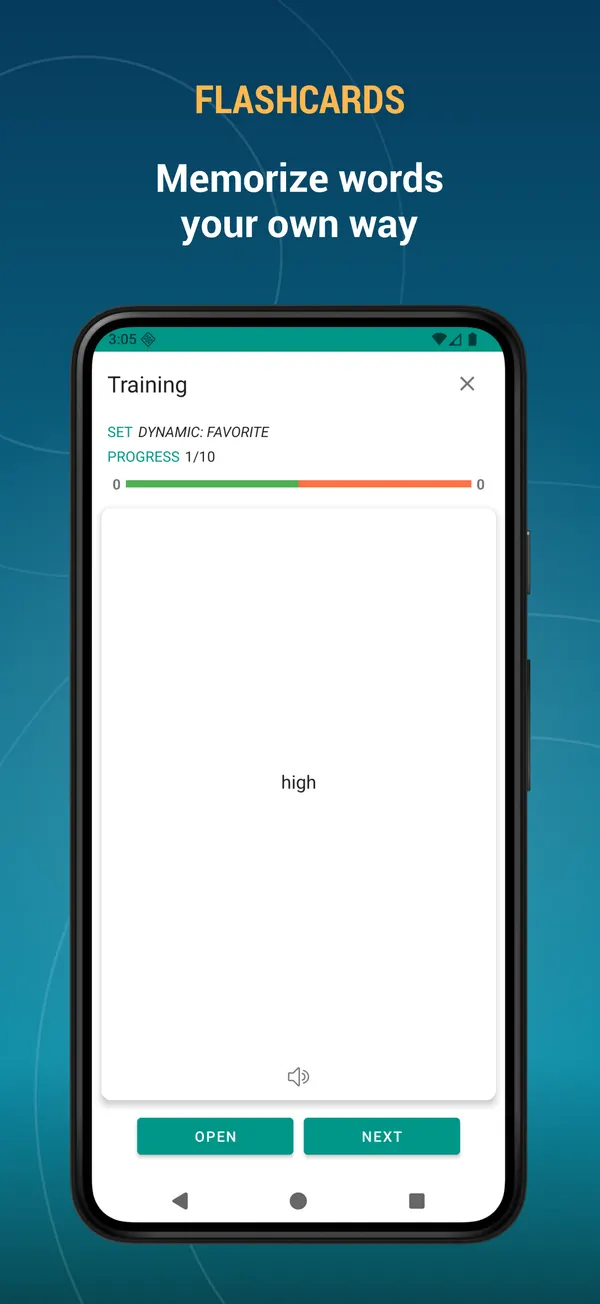
- Flashcards — the classic way to memorise new vocabulary
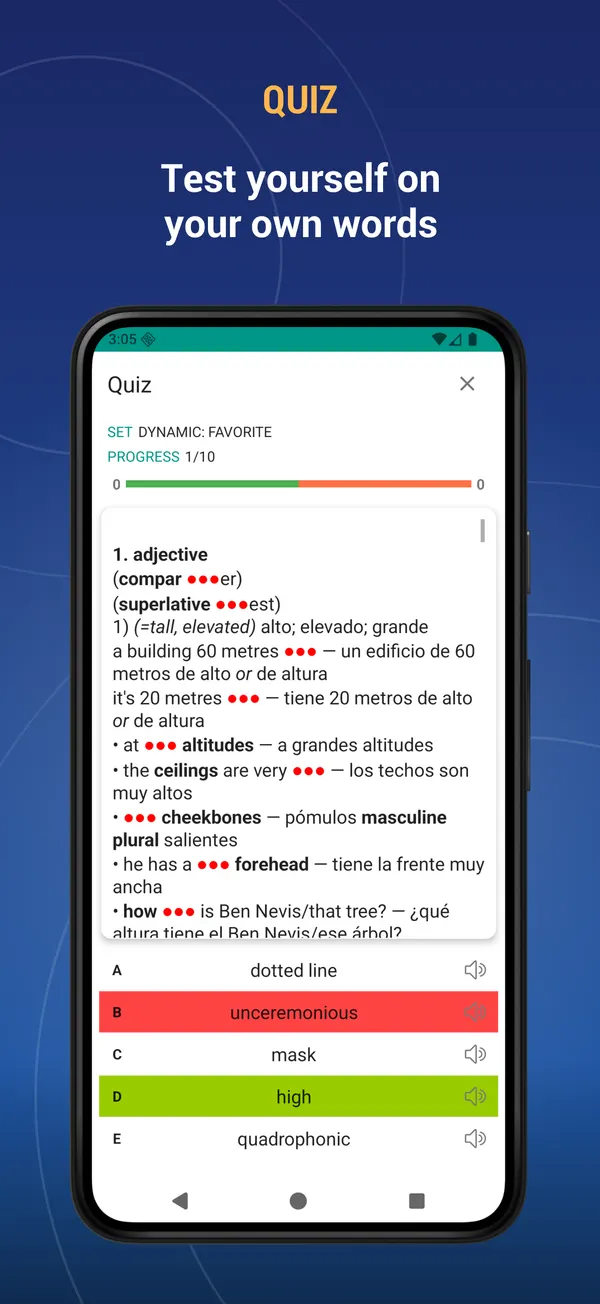
- Quiz — multiple choice test on your own words
- Listening — hear the word and choose the right answer
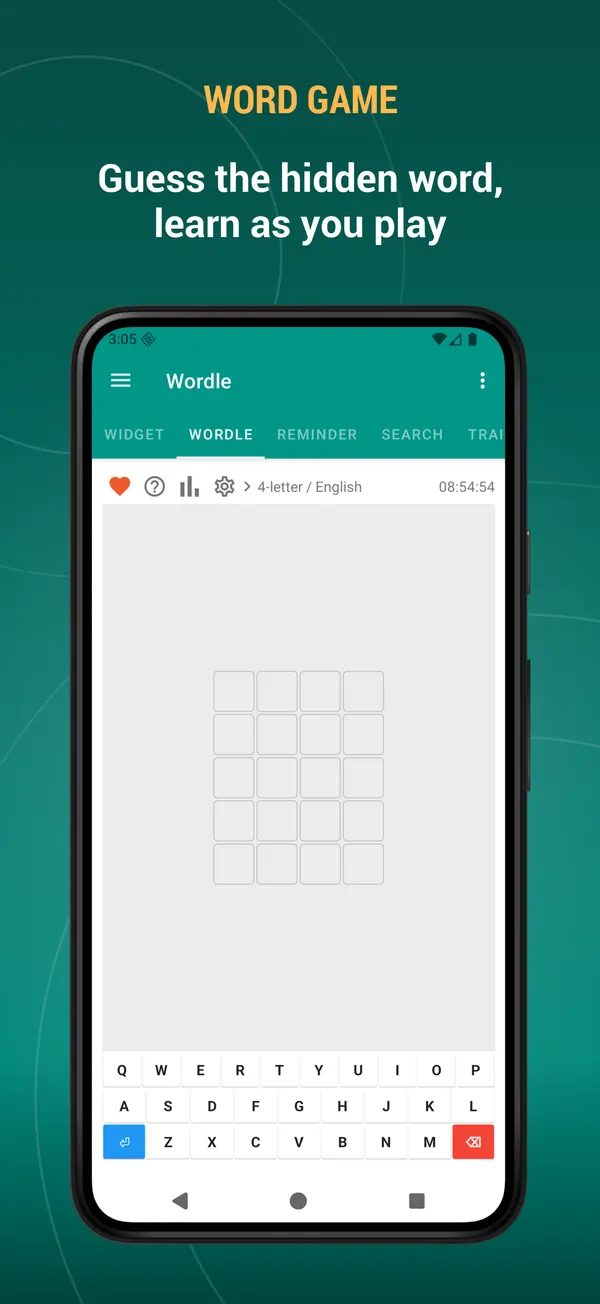
- Word game — guess the hidden word in 4 to 7 letters, with statistics and win streaks
- Build your own training sets: pick the source, the number of words, the order and the difficulty
- Start a training session straight from your favourites, bookmarks or history
- See what you got right and repeat only the words you missed
Hear every word
- Listen to the word and to its full description
- Separate voices for English and Spanish
- The built-in player reads whole word lists at 0.5x, 1x or 2x speed
- Playback continues with the screen off
Home screen learning
- Word of the day widget
- Word list widget
- Training widget — learn without even opening the app
Keep your data safe
- Back up your favourites, bookmarks, notes, history and your own words
- Save to the cloud with your Google account, to a local file, or to Dropbox
- Restore everything on a new device in seconds
Daily reminders
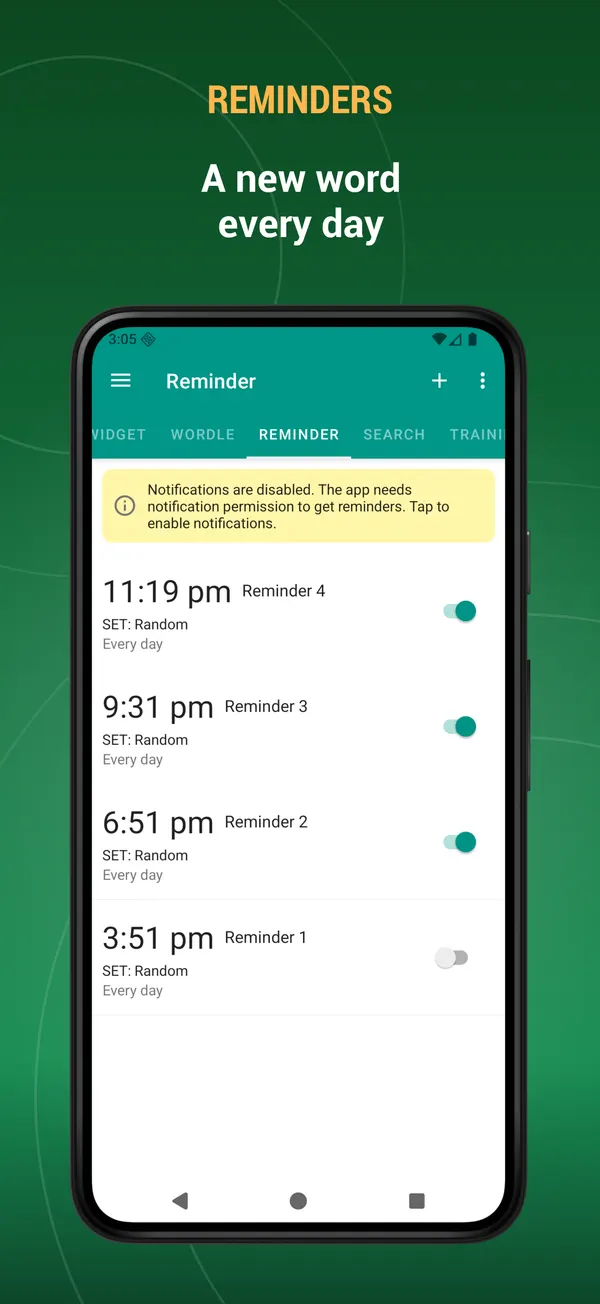
- Receive a word as a notification during the day
- Choose the time, the weekdays and the source: random, favourites, bookmarks or history
Your app, your settings
- Dark mode and automatic night mode
- Adjustable text size and interface colour
- Show, hide and reorder the tabs — keep only what you use
- Interface available in English, Русский, Español, Italiano, Deutsch, Français, Türkçe, Azərbaycan, Українська
- Select text in any other app to search it here or add it to your dictionary
- Full tablet and landscape support
Use it as an English Spanish dictionary, a Spanish English dictionary, an offline translator and a vocabulary trainer — all inside a single language learning app.
Because the dictionary works offline, the whole database is stored on your device and takes up some space.
Write to us with suggestions, problems or legal questions: [email protected]
What's new
- Performance improved.
- Bugs fixed.
- New: mark words as “I know it” or “I don’t know it” — from the bottom toolbar on the word page, while training with Flashcards, or by selecting several words in a list at once.
- Marked words get a colour stripe in the lists. You can change this in Settings → Word state display.
- Add the “I know it” and “I don’t know it” lists on the Search page to see those words separately.
- Bugs fixed. Performance improved.
- New: mark words as “I know it” or “I don’t know it” — from the bottom toolbar on the word page, while training with Flashcards, or by selecting several words in a list at once.
- Marked words get a colour stripe in the lists. You can change this in Settings → Word state display.
- Add the “I know it” and “I don’t know it” lists on the Search page to see those words separately.
- Bugs fixed. Performance improved.
Reviews
Five-star reviews of this app on Google Play.
Like all the other Dictamp apps that I love so much, this too also has all the same amazing features. I love that I can add my notes to entries, such as quotes from newspapers, magazines, etc, practice vocabulary and also add my own entries, thus creating the perfect dictionary. What's really amazing is that all my notes and entries are stored safely in Dropbox, that means I don't ever have to worry about losing any of them. Learning a new language has never been easier. Thank you guys!
Congratulations, this is a highly excellent app, something very well made, it contains everything needed. If I had to recommend a bilingual dictionary, I'd name this one, because every word, term you look up can be found, you can even find the meanings of idioms and slangs and they're specified by country according to what I've experienced in my use. Absolutely for offline use. 100% trustworthy.
Actually, I have'nt used this app much, as I was raised in the mountains of Mexico. However, once in a while, I'll hear an archaic word in a song, arquin, is one such word. I spelled it aranquin. That's wrong. This app cut through this & gave me everything promptly. No delay. I do not believe that just any dictionary of this language will have this word. Hence, the five stars.
Over the last few months I've been updating my rather ancient and rusty Spanish. I've found this app to have a very comprehensive range of meanings that, for the most part, are explained very well with a good variety of examples. It's a bit light on technical words but that is a minor quibble. I find the dual language dictionary most useful because it speeds up finding words in both languages very much. The great joy is in abandoning the dog-eared old pocket dictionaries because it makes the chore of looking up words so much easier. I hope the Dictamp format spreads to other languages very quickly - an English-Russian work would be a great addition to the presently available French, Spanish and German versions. How soon also would we expect English- Italian? Congratulations to the Dictamp developers on a great product.
Help please! "The application can't be installed. An error occurred while copying a database file, since it maybe no space in device memory. Please free up some space (internal memory)" I've been trying almost everything but still the same message. This is the only app by Dictamp that doesn't work, the french-english, german-english dictionary, etc work well but this one doesn't. In fact this app has ran well on my previous devices but i don't know what happens now. Update: My problem was solved already! Thanks :)
It is a good app. It is not only translating word,but there is example. They put the word you are looking for in a specific context so you can have a better understanding.
This dictionary is included in the TTdictionary iOS app. Install it, download the dictionary inside the app and activate it. iOS →