
Etymological Dictionary
Etymological Dictionary: 19,000 entries offline, AI, audio, quiz.
- Languages
- Russian
- Type
- Monolingual
- Entries
- 19,905
- Platforms
- Android · iOS (inside the TTdictionary app)
- Offline
- Yes — the database is stored on the device
- AI assistant
- Yes (needs internet)
- Price
- Free with ads · optional Pro


Free with ads. Pro removes ads, lifts feature limits and raises the AI request quota.
Android: Version 2.0.7.8 · Also on iPhone and iPad


Features in this app
Screenshots
About this dictionary
Etymological Dictionary is a complete offline reference built around a database of over 19,000 entries. It is installed together with the app — no account, no subscription and no connection required.
Search a word, hear it, keep it and turn it into something you remember.
AI assistant
- Ask AI about any word: definition & context, synonyms, pronunciation guide, example sentences
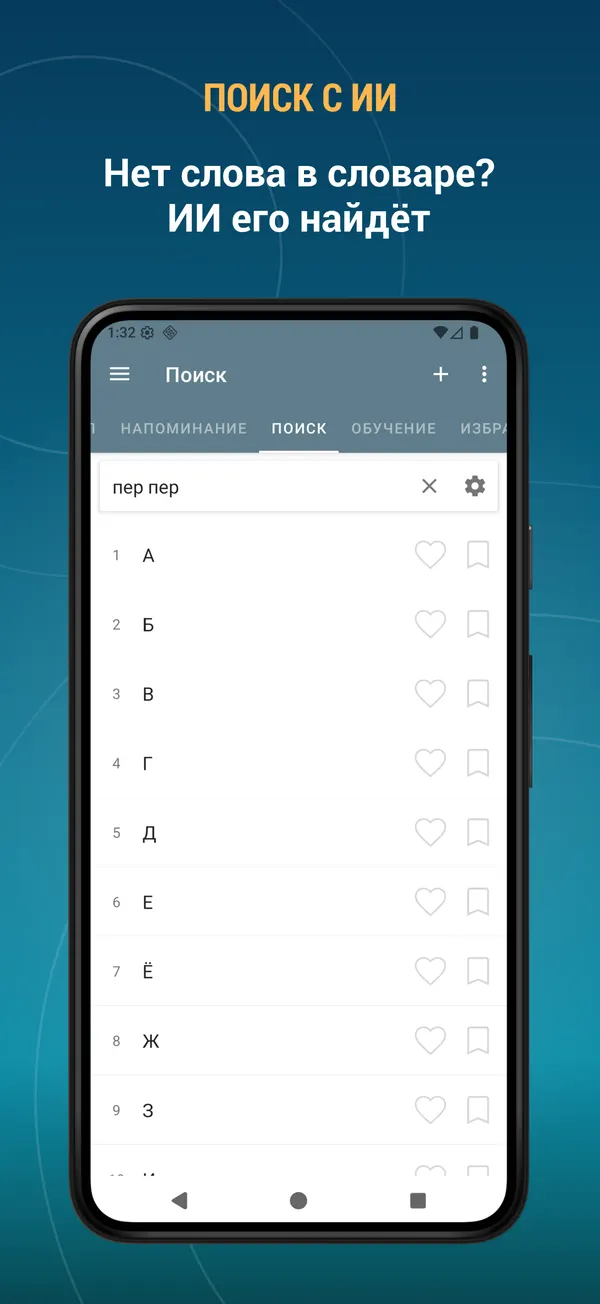
- Word not in the dictionary? Find it with AI and add it to your own database
- AI can write the description for the words you add yourself
- Keep any AI answer as the word description or save it as a note
Dictionary and search
- 19,000 entries, 100% offline
- Instant results as you type
- Search filters: starts with, ends with
- Voice search — just say the word
- Search the text you copied to the clipboard
- Alphabet index for fast browsing
- Random word button
- Add your own words and edit existing entries
Study and revise
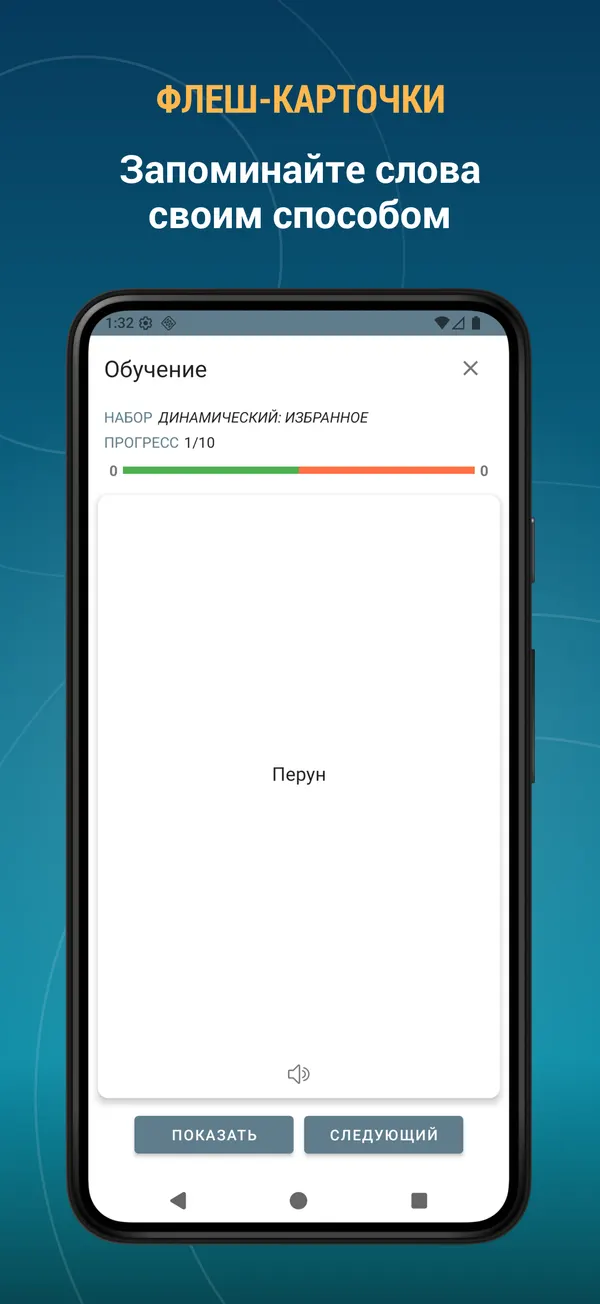
- Flashcards — the classic way to memorise new vocabulary
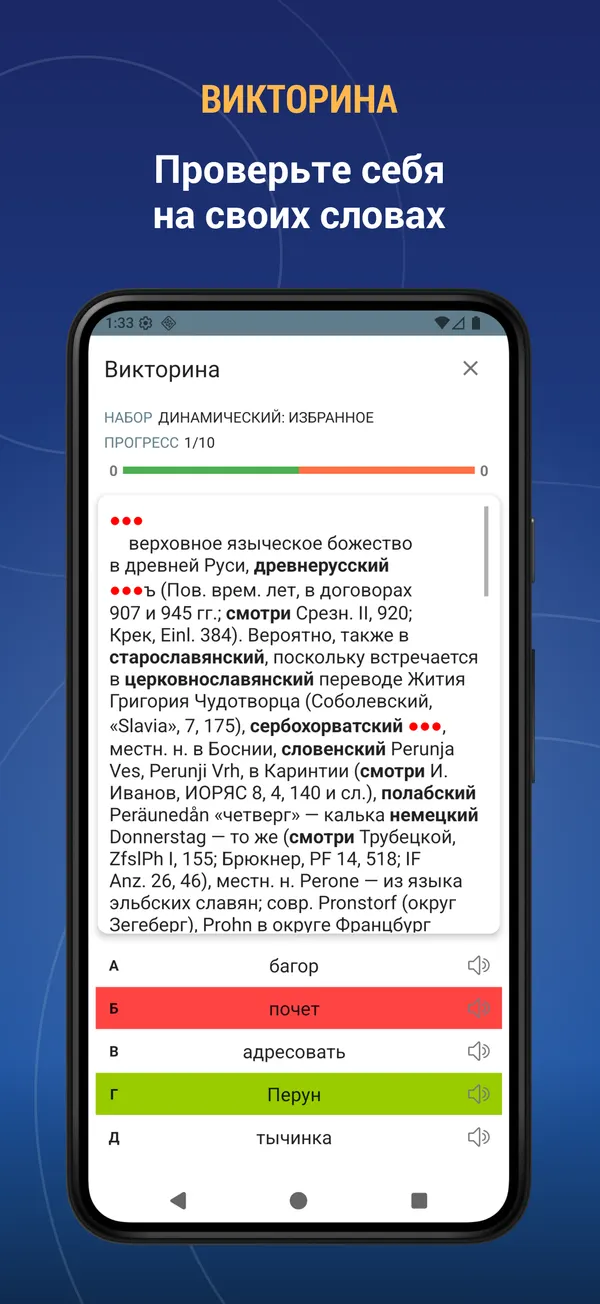
- Quiz — multiple choice test on your own words
- Listening — hear the word and choose the right answer
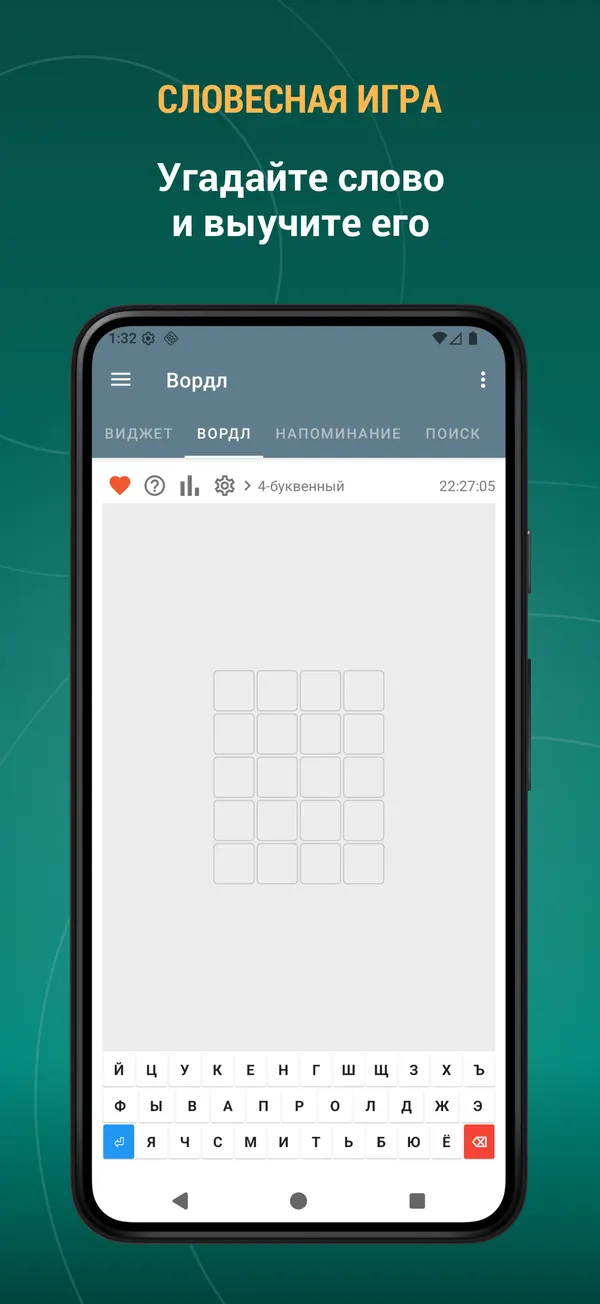
- Word game — guess the hidden word in 4 to 7 letters, with statistics and win streaks
- Build your own training sets: pick the source, the number of words, the order and the difficulty
- Start a training session straight from your favourites, bookmarks or history
- See what you got right and repeat only the words you missed
Hear every word
- Listen to the word and to its full description
- Clear pronunciation for every entry
- The built-in player reads whole word lists at 0.5x, 1x or 2x speed
- Playback continues with the screen off
Keep your words in order
- Favourites — save a word with one tap
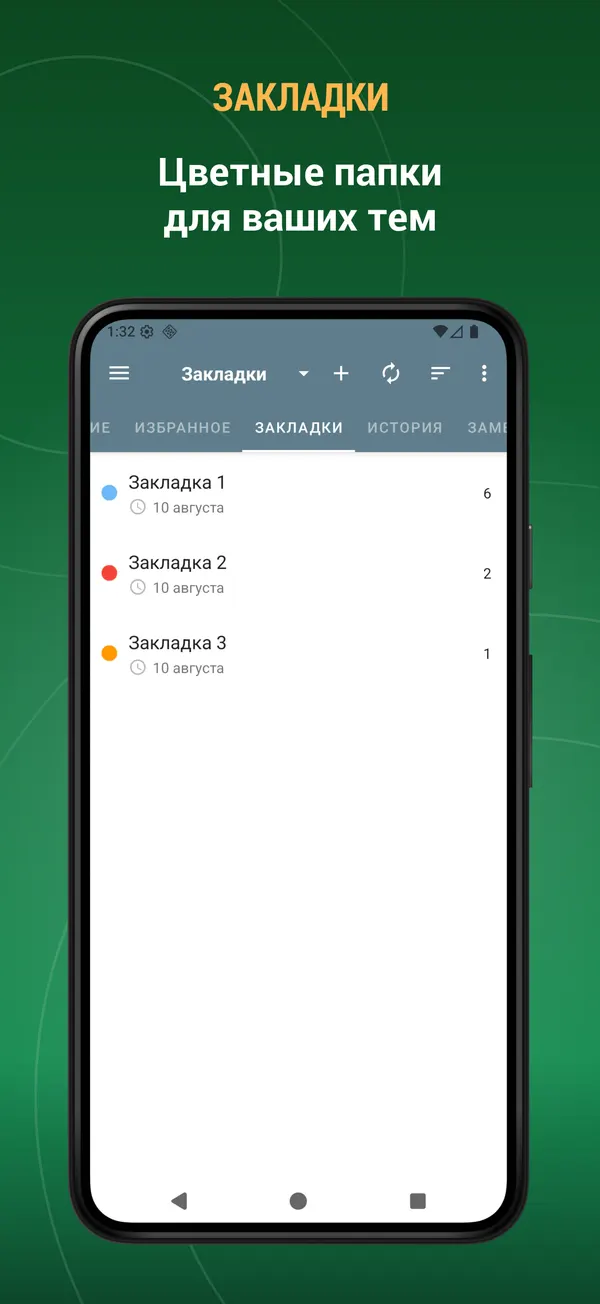
- Bookmarks — colour-coded folders for your own topics
- Notes — attach your own note to any word
- History — every word you looked up, sorted by date, name or view count
- Multi-select mode: export, listen to, bookmark or delete many words at once
- Export your word lists to a text file and share them
Learn from the home screen
- Word of the day widget
- Word list widget
- Training widget — learn without even opening the app
Backup, sync and restore
- Back up your favourites, bookmarks, notes, history and your own words
- Save to the cloud with your Google account, to a local file, or to Dropbox
- Restore everything on a new device in seconds
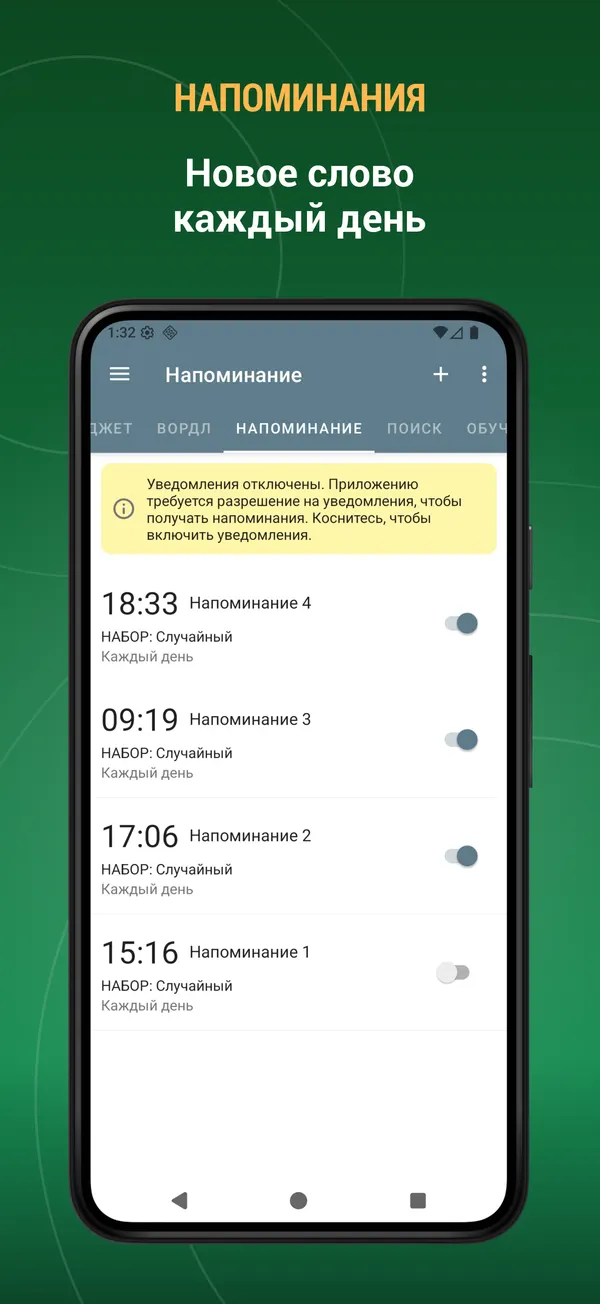
Word reminders
- Receive a word as a notification during the day
- Choose the time, the weekdays and the source: random, favourites, bookmarks or history
Customise everything
- Dark mode and automatic night mode
- Adjustable text size and interface colour
- Show, hide and reorder the tabs — keep only what you use
- Interface available in English, Русский, Español, Italiano, Deutsch, Français, Türkçe, Azərbaycan, Українська
- Select text in any other app to search it here or add it to your dictionary
- Full tablet and landscape support
Everything in one app: Etymological Dictionary, an offline reference that works with no internet, a vocabulary builder and a word learning app.
Because the dictionary works offline, the whole database is stored on your device and takes up some space.
Suggestions, comments and legal questions: [email protected]
What's new
- Performance improved.
- Bugs fixed.
- New: mark words as “I know it” or “I don’t know it” — from the bottom toolbar on the word page, while training with Flashcards, or by selecting several words in a list at once.
- Marked words get a colour stripe in the lists. You can change this in Settings → Word state display.
- Add the “I know it” and “I don’t know it” lists on the Search page to see those words separately.
- Bugs fixed. Performance improved.
- New: mark words as “I know it” or “I don’t know it” — from the bottom toolbar on the word page, while training with Flashcards, or by selecting several words in a list at once.
- Marked words get a colour stripe in the lists. You can change this in Settings → Word state display.
- Add the “I know it” and “I don’t know it” lists on the Search page to see those words separately.
- Bugs fixed. Performance improved.
Reviews
Five-star reviews of this app on Google Play.
Очень полезный. Часто способен перевернуть взгляд на казалось бы привычные слова. Способен изменить осознанность. Из минусов - изредка встречаются отсылки на слова которых в самом же словаре нет. Иногда ссылается куда-то непонятно куда. Но очень достойные все словари автора.
Дуже зручний словник для дослідження етимології слов'янських слів. Не подобається набирати російською - користуйтесь "Горохом".
Невероятно крутое приложение, каких мало. Приятный и дружелюбный интерфейс, богатое содержание. Пользуюсь им уже больше года. Автору большой респект за проделанную работу!
Интересное и простое в использовании приложение. Некоторые "слова дня" ранее нигде не встречала. Полезная вещь, в общем, разработчикам большое спасибо.
Велика подяка розробникам цього чудового словника. Давно шукав щось подібне. Але, по можливості, в майбутньому розробіть, будь ласка, аналогічні словники української та інших мов, наприклад, польської. Рекомендую всім, хто цікавиться літературою, обов'язково завантажувати цей словник.
В целом неплохо. Часто словарная статья наполнена различными ссылками на сторонние источники, а сути мало. Хотелось бы побольше информации о происхождении слова и связанных словах.
This dictionary is included in the TTdictionary iOS app. Install it, download the dictionary inside the app and activate it. iOS →