

Historical Encyclopedia
Historical Encyclopedia: 21,000 entries offline, AI, audio, quiz.
- Languages
- Russian
- Type
- Monolingual
- Entries
- 21,246
- Platforms
- Android · iOS (inside the TTdictionary app)
- Offline
- Yes — the database is stored on the device
- AI assistant
- Yes (needs internet)
- Price
- Free with ads · optional Pro


Free with ads. Pro removes ads, lifts feature limits and raises the AI request quota.
Android: Version 1.0.6.5 · Also on iPhone and iPad


Features in this app
Screenshots
About this dictionary
Historical Encyclopedia is a free offline dictionary with more than 21,000 entries. The entire database is stored on your device, so it works with no internet connection, no registration and no hidden limits.
Search a word, hear it, keep it and turn it into something you remember.
AI helper
- Ask AI about any word: definition & context, synonyms, pronunciation guide, example sentences
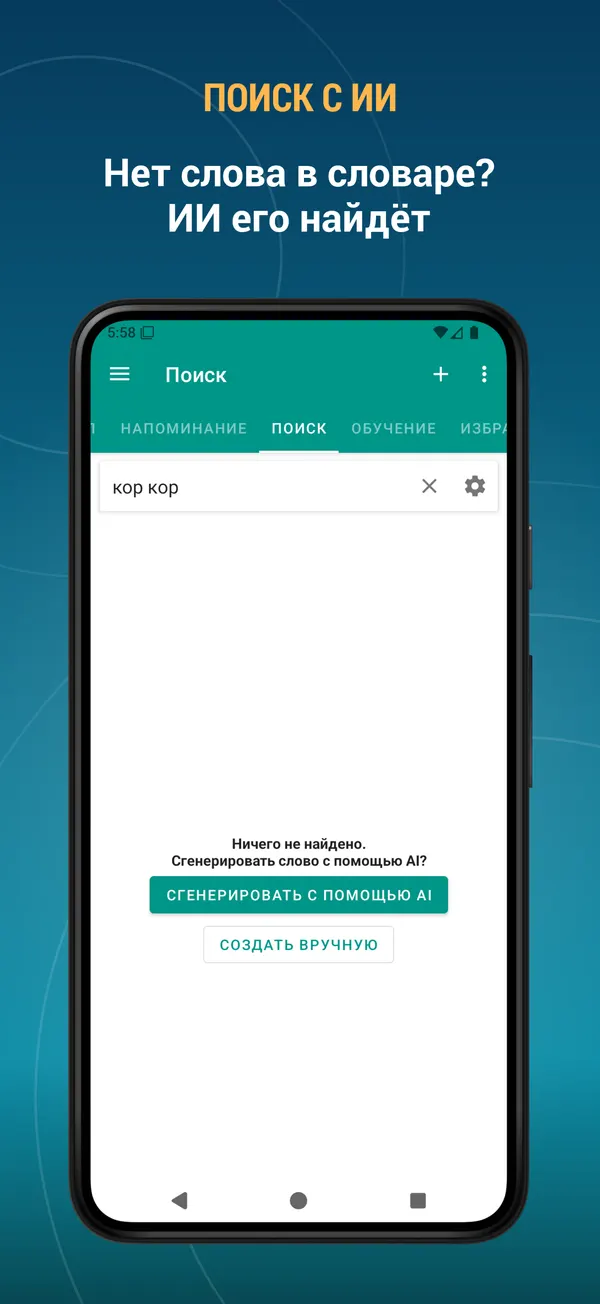
- Word not in the dictionary? Find it with AI and add it to your own database
- AI can write the description for the words you add yourself
- Keep any AI answer as the word description or save it as a note
The dictionary, fully offline
- 21,000 entries, 100% offline
- Instant results as you type
- Search filters: starts with, ends with
- Search the text you copied to the clipboard
- Random word button
- Add your own words and edit existing entries
Learning tools
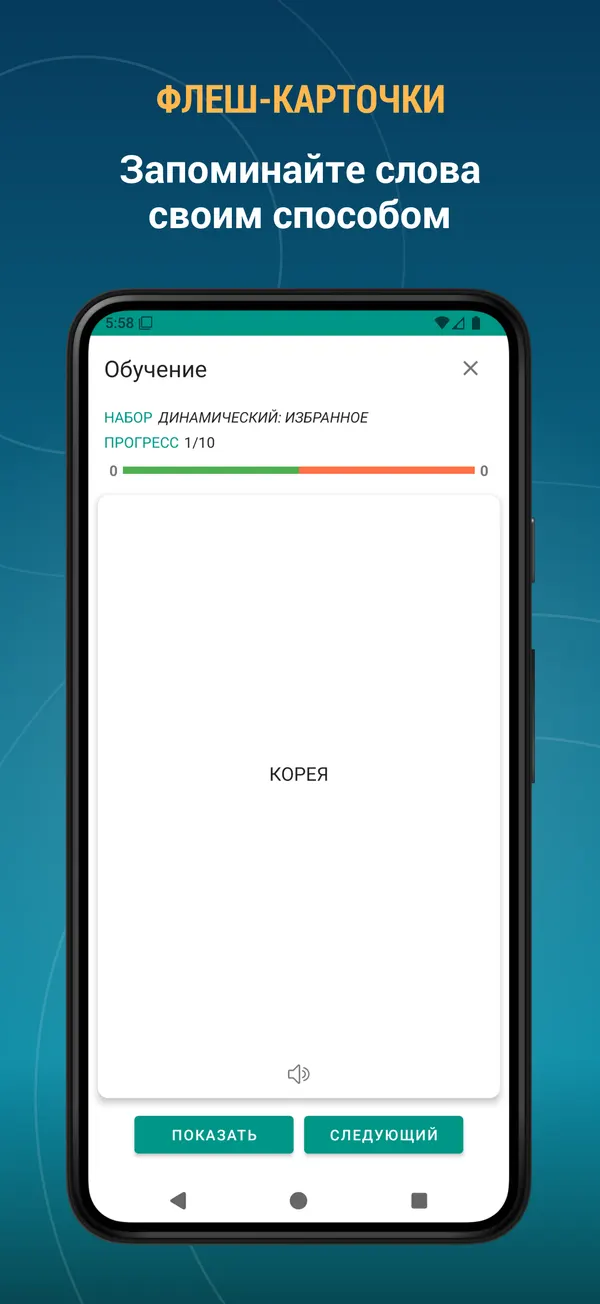
- Flashcards — the classic way to memorise new vocabulary
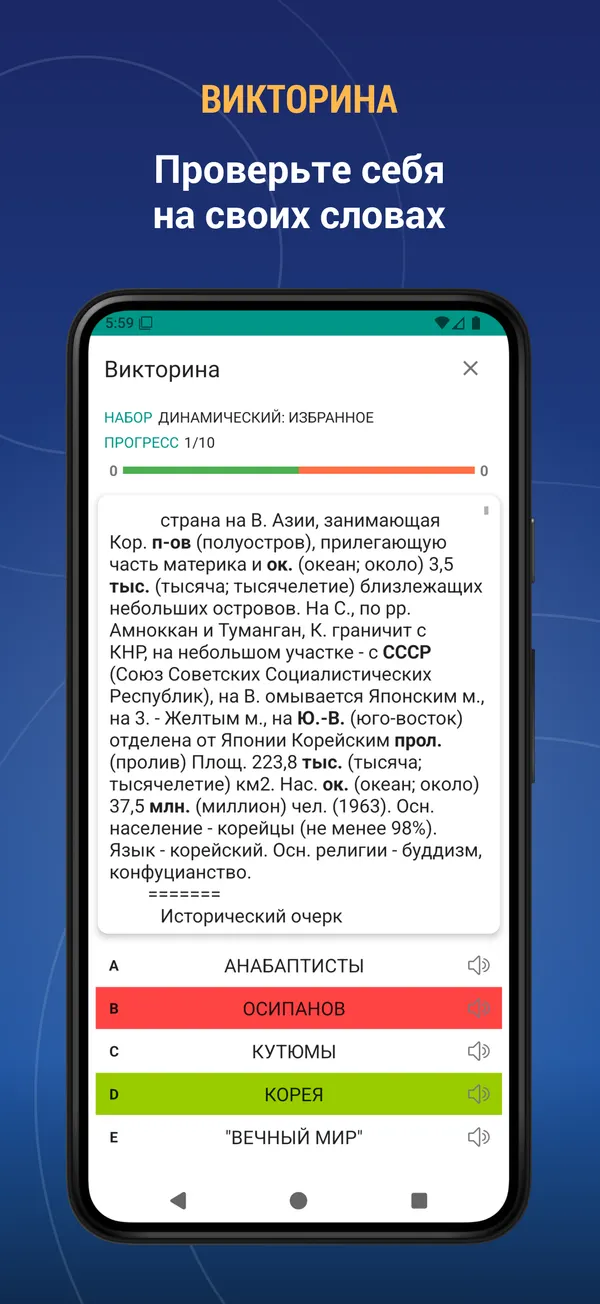
- Quiz — multiple choice test on your own words
- Listening — hear the word and choose the right answer
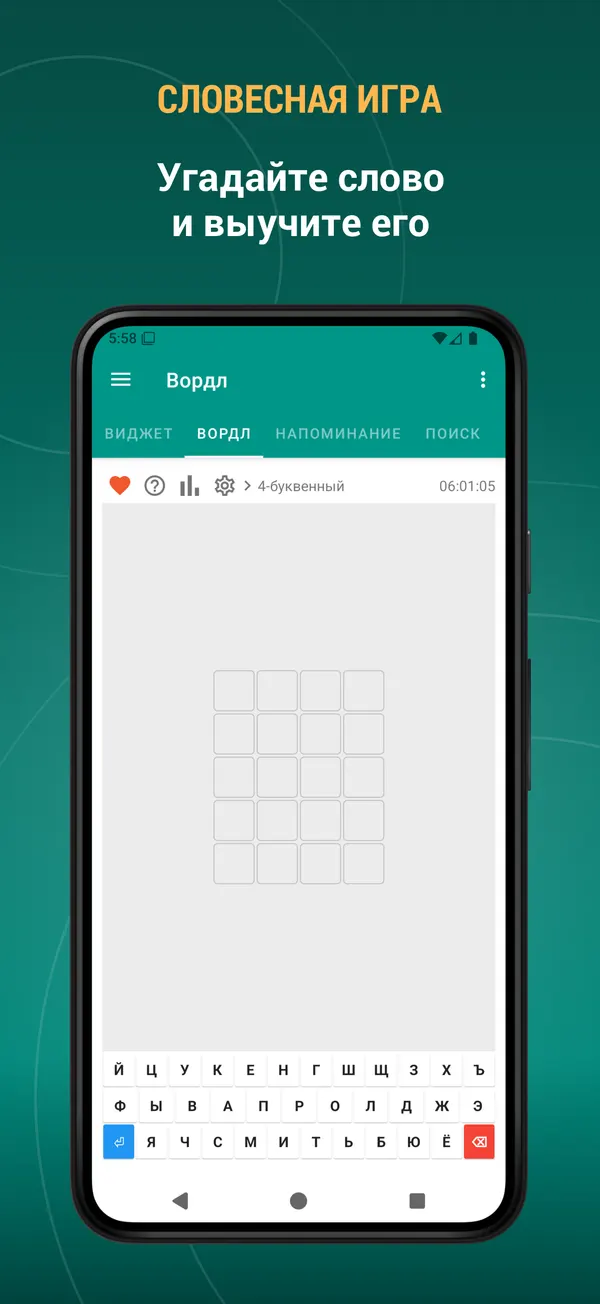
- Word game — guess the hidden word in 4 to 7 letters, with statistics and win streaks
- Build your own training sets: pick the source, the number of words, the order and the difficulty
- Start a training session straight from your favourites, bookmarks or history
- See what you got right and repeat only the words you missed
Keep your words in order
- Favourites — save a word with one tap
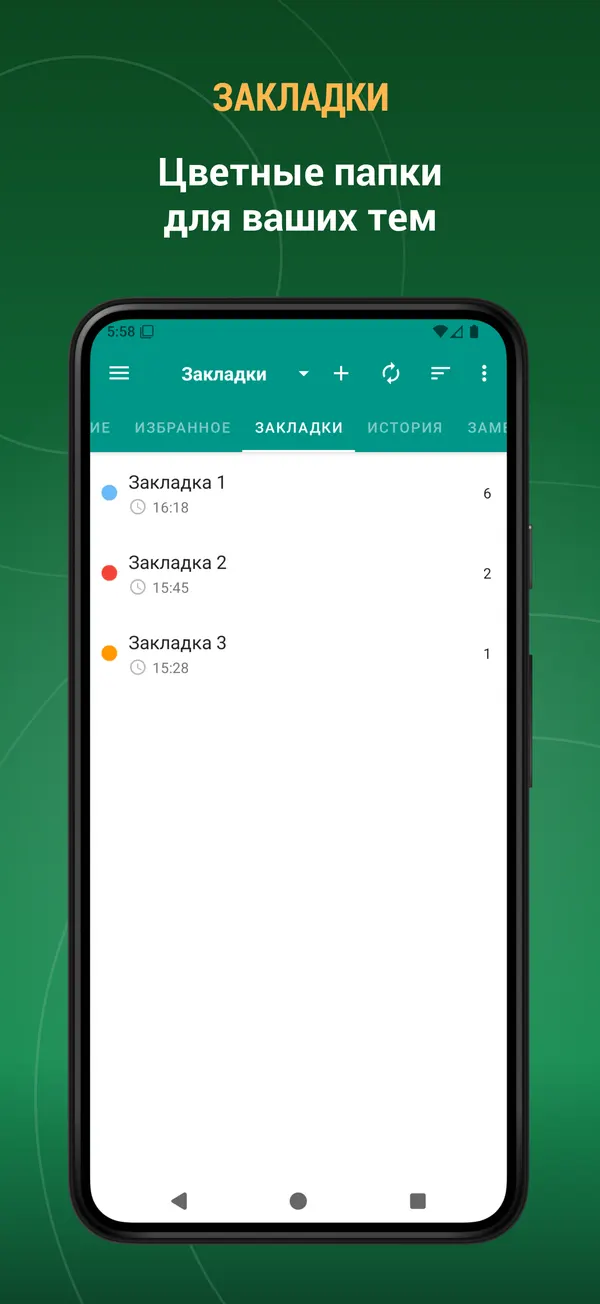
- Bookmarks — colour-coded folders for your own topics
- Notes — attach your own note to any word
- History — every word you looked up, sorted by date, name or view count
- Multi-select mode: export, listen to, bookmark or delete many words at once
- Export your word lists to a text file and share them
Listen and pronounce
- Listen to the word and to its full description
- Clear pronunciation for every entry
- The built-in player reads whole word lists at 0.5x, 1x or 2x speed
- Playback continues with the screen off
Widgets
- Word of the day widget
- Word list widget
- Training widget — learn without even opening the app
Word reminders
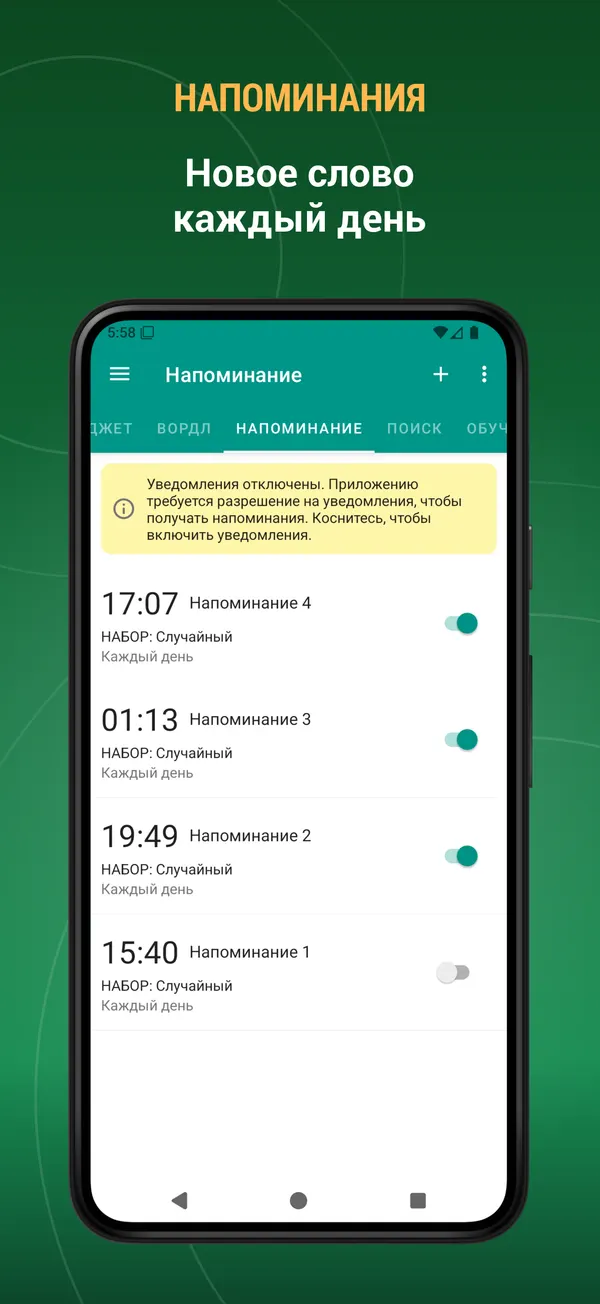
- Receive a word as a notification during the day
- Choose the time, the weekdays and the source: random, favourites, bookmarks or history
Set it up your way
- Dark mode and automatic night mode
- Adjustable text size and interface colour
- Show, hide and reorder the tabs — keep only what you use
- Interface available in English, Русский, Español, Italiano, Deutsch, Français, Türkçe, Azərbaycan, Українська
- Select text in any other app to search it here or add it to your dictionary
- Full tablet and landscape support
One app, several jobs: Historical Encyclopedia, an offline reference with no connection required, a vocabulary trainer and a learning companion.
This is an offline dictionary — the database is kept on your device, so it needs some storage space.
Suggestions, comments and legal questions: [email protected]
What's new
- Performance improved.
- Bugs fixed.
- New: mark words as “I know it” or “I don’t know it” — from the bottom toolbar on the word page, while training with Flashcards, or by selecting several words in a list at once.
- Marked words get a colour stripe in the lists. You can change this in Settings → Word state display.
- Add the “I know it” and “I don’t know it” lists on the Search page to see those words separately.
- Bugs fixed. Performance improved.
- New: mark words as “I know it” or “I don’t know it” — from the bottom toolbar on the word page, while training with Flashcards, or by selecting several words in a list at once.
- Marked words get a colour stripe in the lists. You can change this in Settings → Word state display.
- Add the “I know it” and “I don’t know it” lists on the Search page to see those words separately.
- Bugs fixed. Performance improved.
Reviews
Five-star reviews of this app on Google Play.
Полезное приложение. Если интересно каждый раз узнавать новые понятия и определения, можно включить уведомление на каждый день, и познавать сколько влезет, на здоровье
Оценка - отлично...Замечательная книга, очень интересная, и познавательная, я ее очень сильно люблю, и она мне дорога.
можно найти что то годное если повезёт и постараться
Приятно использовать для справки, и восстановления знаний!
Большое Спасибо всем разработчикам этого приложения! 👍👏👏👏🇷🇺✌🖐🐰
Классная энциклопедия и инфа. Респект разрабам
This dictionary is included in the TTdictionary iOS app. Install it, download the dictionary inside the app and activate it. iOS →