
Russian English Medical Dict
Russian English medical dictionary offline with AI. 113,000 terms, no internet.
- Languages
- Russian · English
- Translation direction
- Russian → English and English → Russian
- Type
- Bilingual
- Entries
- 113,013
- Platforms
- Android · iOS (inside the TTdictionary app)
- Offline
- Yes — the database is stored on the device
- AI assistant
- Yes (needs internet)
- Price
- Free with ads · optional Pro


Free with ads. Pro removes ads, lifts feature limits and raises the AI request quota.
Android: Version 1.0.4.7 · Also on iPhone and iPad


Features in this app
Screenshots
About this dictionary
Russian English Medical Dictionary puts 113,000 words and translations in your pocket. Everything lives on your device, so there is no connection to worry about, nothing to sign up for and no paywall in the middle of a lookup.
Search a word, hear it, keep it and turn it into something you remember.
AI word assistant
- Ask AI about any word: definition & context, synonyms, pronunciation guide, example sentences
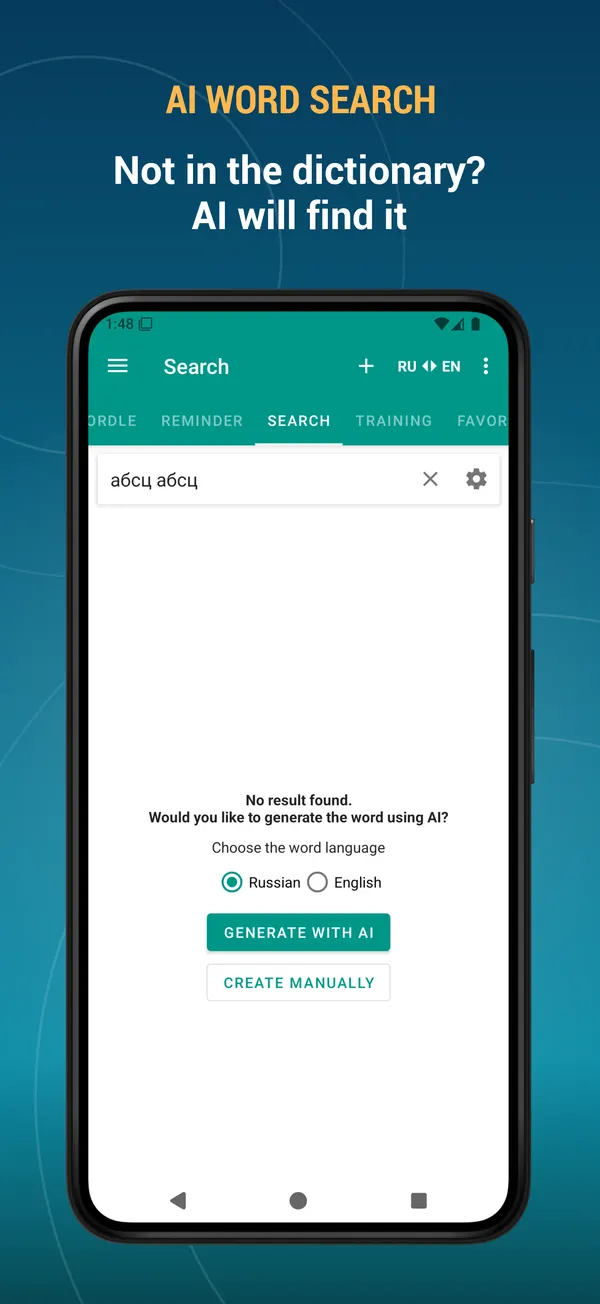
- Word not in the dictionary? Find it with AI and add it to your own database
- AI can write the description for the words you add yourself
- Keep any AI answer as the word description or save it as a note
Offline search
- 113,000 words and translations, 100% offline
- Instant results as you type
- Search filters: starts with, ends with
- Voice search — just say the word
- Search the text you copied to the clipboard
- Alphabet index for fast browsing
- Random word button
- Add your own words and edit existing entries
- Two-way translation: Russian to English, English to Russian, or both at once
Your own word collection
- Favourites — save a word with one tap
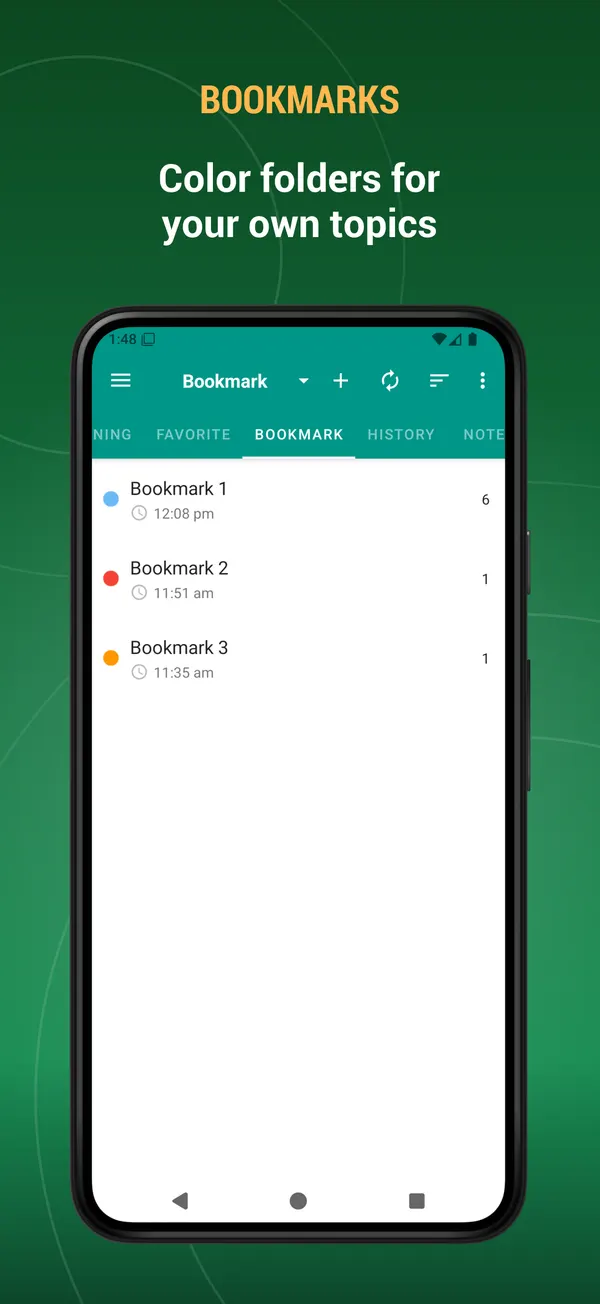
- Bookmarks — colour-coded folders for your own topics
- Notes — attach your own note to any word
- History — every word you looked up, sorted by date, name or view count
- Multi-select mode: export, listen to, bookmark or delete many words at once
- Export your word lists to a text file and share them
Learning tools
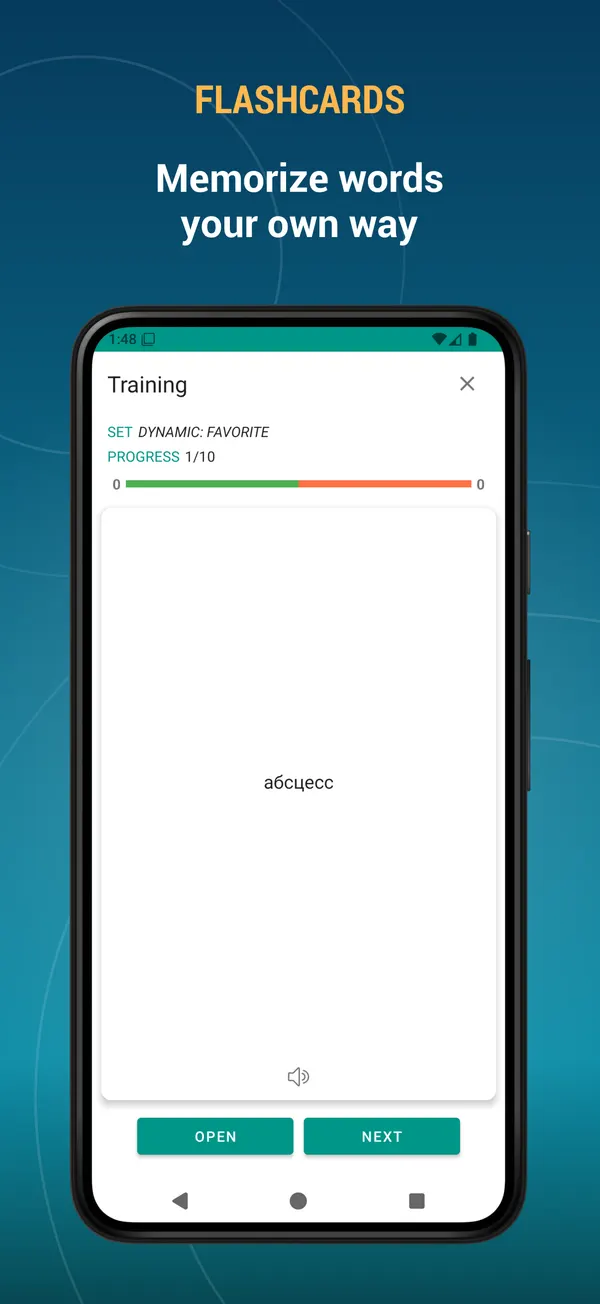
- Flashcards — the classic way to memorise new vocabulary
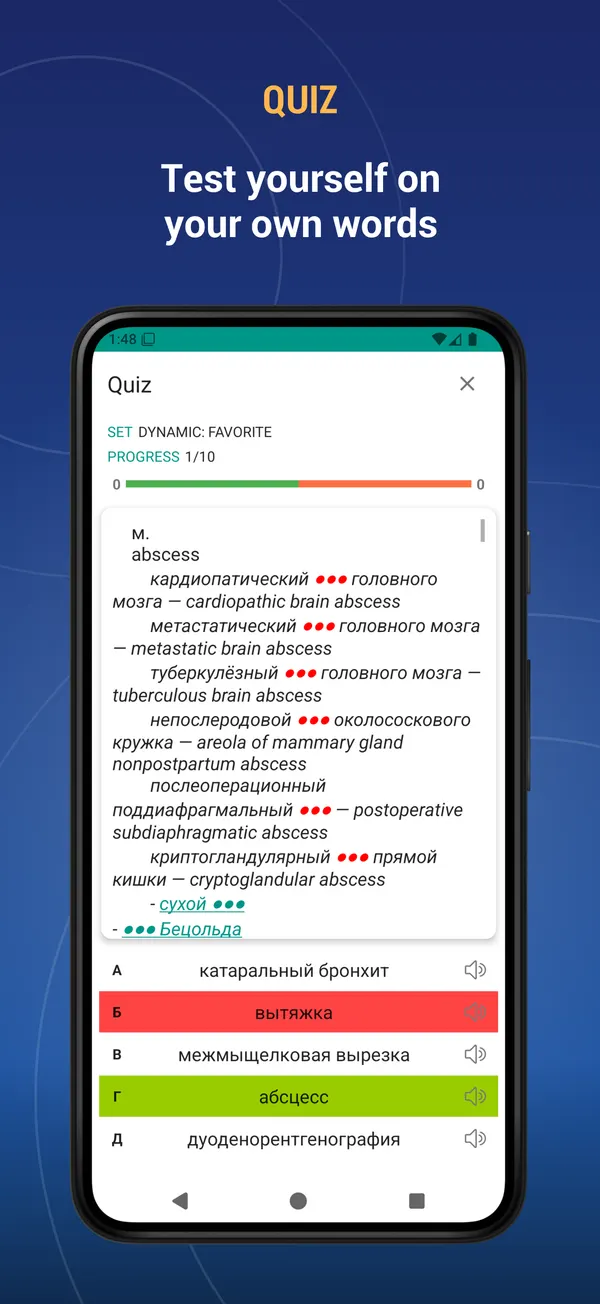
- Quiz — multiple choice test on your own words
- Listening — hear the word and choose the right answer
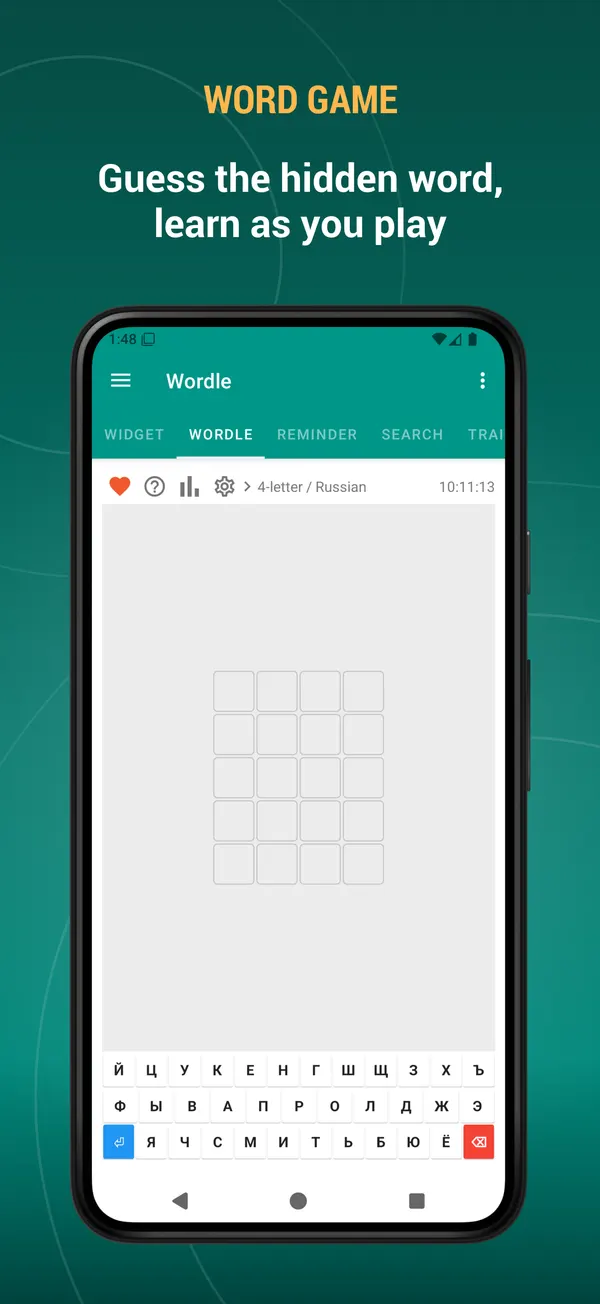
- Word game — guess the hidden word in 4 to 7 letters, with statistics and win streaks
- Build your own training sets: pick the source, the number of words, the order and the difficulty
- Start a training session straight from your favourites, bookmarks or history
- See what you got right and repeat only the words you missed
Listen and pronounce
- Listen to the word and to its full description
- Separate voices for Russian and English
- The built-in player reads whole word lists at 0.5x, 1x or 2x speed
- Playback continues with the screen off
Widgets
- Word of the day widget
- Word list widget
- Training widget — learn without even opening the app
Keep your data safe
- Back up your favourites, bookmarks, notes, history and your own words
- Save to the cloud with your Google account, to a local file, or to Dropbox
- Restore everything on a new device in seconds
Learning reminders
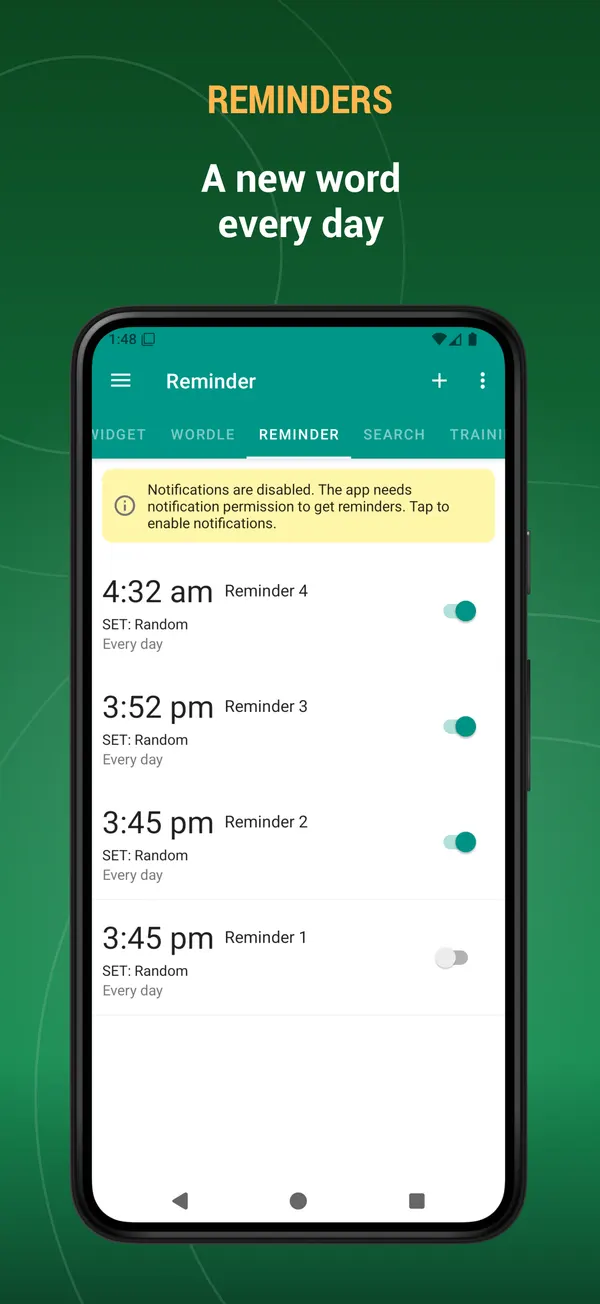
- Receive a word as a notification during the day
- Choose the time, the weekdays and the source: random, favourites, bookmarks or history
Customise everything
- Dark mode and automatic night mode
- Adjustable text size and interface colour
- Show, hide and reorder the tabs — keep only what you use
- Interface available in English, Русский, Español, Italiano, Deutsch, Français, Türkçe, Azərbaycan, Українська
- Select text in any other app to search it here or add it to your dictionary
- Full tablet and landscape support
It works as a Russian English dictionary and an English Russian dictionary, as an offline translator, as a vocabulary builder and as a language learning app.
This is an offline dictionary — the database is kept on your device, so it needs some storage space.
Suggestions, comments and legal questions: [email protected]
What's new
- Performance improved.
- Bugs fixed.
- New: mark words as “I know it” or “I don’t know it” — from the bottom toolbar on the word page, while training with Flashcards, or by selecting several words in a list at once.
- Marked words get a colour stripe in the lists. You can change this in Settings → Word state display.
- Add the “I know it” and “I don’t know it” lists on the Search page to see those words separately.
- Bugs fixed. Performance improved.
- New: mark words as “I know it” or “I don’t know it” — from the bottom toolbar on the word page, while training with Flashcards, or by selecting several words in a list at once.
- Marked words get a colour stripe in the lists. You can change this in Settings → Word state display.
- Add the “I know it” and “I don’t know it” lists on the Search page to see those words separately.
- Bugs fixed. Performance improved.
Reviews
Five-star reviews of this app on Google Play.
Супер, довольна приложением, настроила уведомления со словами, 3 раза в день выдает слова, добавляю в избранное, какие нравятся. Не нравится произношение, много слов приложение произносит некорректно. Буду счастлива, если добавите какую-то группировку/фильтрацию по разделам медицины и/или возможность создавать свои словари по разным разделам медицины.
Очень довольна приложением! Спасибо разработчикам. Возможность повторять слова с помощью викторины - прямо в точку! Очень удобно работать со словарем! Отличная помощь при изучении англоязычной мед.литературы!
Разработчик спасибо огромное, отличное приложение!!!!Можешь еще сделать по химии, физике,алгебре и по информатике?Спасибо заранее.Крутое приложения!!! Developer thank you very much, great application !!!! Can you do more in chemistry, physics, algebra and computer science? Thanks in advance. Cool application!!!
This dictionary is included in the TTdictionary iOS app. Install it, download the dictionary inside the app and activate it. iOS →